
Predictive Interfaces – How Software Is Learning to Act Before Users Click
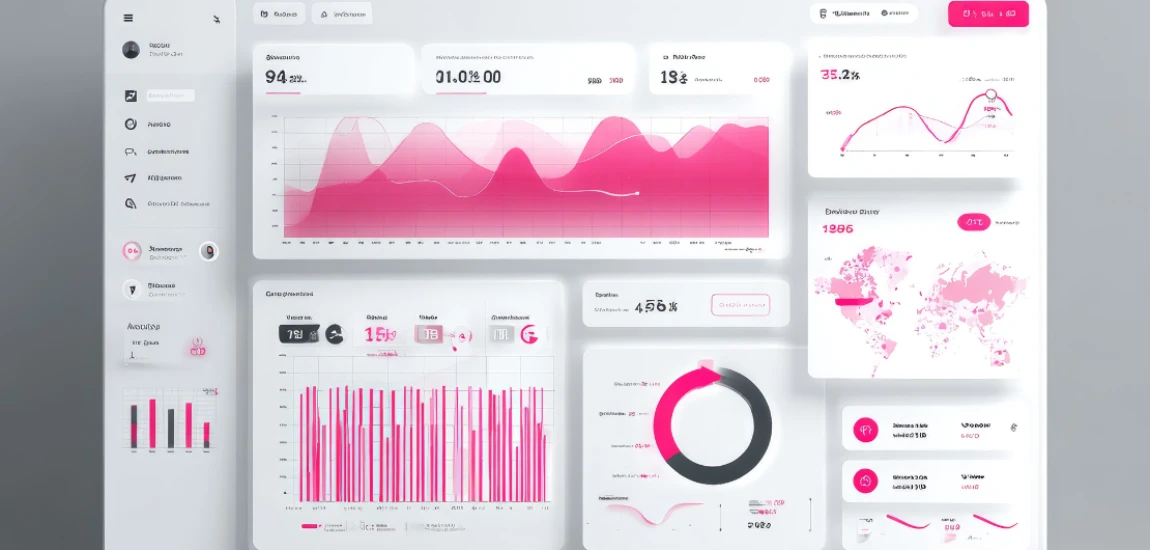
Traditional software places responsibility squarely on the user: find the right feature, decide what to do next, and execute the action. This model made sense when digital tools were simple and infrequent. But in today’s environment—where users juggle dozens of apps, platforms, and notifications daily—this interaction pattern has become cognitively expensive. Predictive interfaces emerge as a response to this overload.
Rather than waiting for explicit commands, predictive interfaces observe behavior, recognize patterns, and anticipate intent. The goal is not to remove user control, but to remove unnecessary friction. When software can prepare actions, surface relevant options, or complete steps proactively, interaction becomes lighter and more fluid.
This shift represents a deeper transformation in UX philosophy. Software is no longer a passive tool; it becomes an active participant in the workflow. The interface doesn’t just respond—it collaborates. And when designed well, this collaboration feels natural rather than intrusive.
Predictive interfaces aren’t about guessing randomly. They rely on contextual signals such as time, location, past behavior, frequency, and environmental cues. Combined with machine learning, these signals allow systems to act with increasing confidence—often before the user consciously formulates a request.
As users grow accustomed to this anticipatory behavior, expectations change. Clicking begins to feel like unnecessary labor. The future of software interaction is not faster clicking—it’s fewer clicks altogether.
What Are Predictive Interfaces? Understanding the Foundation

From Explicit Input to Implicit Signals
Predictive interfaces replace explicit instruction with implicit understanding. Instead of forcing users to articulate intent through clicks and commands, the system infers intent based on context. This includes recent actions, habitual patterns, device state, and environmental conditions.
For example, a calendar app doesn’t wait for a user to search for a meeting—it surfaces relevant documents automatically when the meeting begins. The interface becomes responsive to situations, not just actions.
Anticipation as a Core UX Layer
In predictive design, anticipation becomes a primary interface layer. The system continuously evaluates what the user is likely to need next and prepares accordingly. This could mean pre-loading content, suggesting actions, or auto-filling information.
The key is subtlety. Effective predictive interfaces don’t announce themselves—they quietly remove steps.
Assistance, Not Automation
Predictive interfaces are often confused with automation, but the distinction is critical. Automation replaces human action. Prediction supports human action. A predictive interface still expects user involvement—it simply reduces effort.
This balance preserves agency while improving efficiency.
Why Predictive Interfaces Are Becoming the Default

Cognitive Load Is Now a Design Constraint
As digital complexity increases, cognitive load has become a limiting factor. Users can only process so many decisions before fatigue sets in. Predictive interfaces reduce this load by narrowing choices and eliminating repetitive tasks.
Instead of asking “What do you want to do?”, the interface asks “Is this what you need right now?”
Speed Is No Longer Enough
Fast software that still requires multiple steps feels slow. Predictive interfaces compress workflows by acting in advance. This creates a perception of speed that goes beyond performance metrics—it feels intuitive.
Users measure speed by effort, not milliseconds.
AI Has Finally Become Context-Aware
Earlier attempts at prediction failed because systems lacked context. Today’s AI models can analyze behavior over time, understand sequences, and adapt dynamically. This makes prediction reliable enough to be useful.
Predictive interfaces are not speculative anymore—they’re practical.
Core Design Principles That Make Predictive Interfaces Work

Prediction Must Feel Optional
The moment a prediction feels forced, trust collapses. Effective predictive interfaces always allow easy dismissal or correction. Users must feel that the system is assisting—not deciding for them.
Optionality is what makes anticipation feel respectful.
Timing Determines Acceptance
A well-timed prediction feels helpful. A poorly timed one feels disruptive. Designers must deeply understand user flow to know when to surface predictive actions.
The best predictions arrive at moments of cognitive readiness.
Minimal Visual Disruption
Predictive interfaces should not add visual noise. Suggestions should be subtle, contextually embedded, and easy to ignore. Loud prediction is bad prediction.
Silence is often the most elegant interface choice.
Where Predictive Interfaces Are Already Transforming Software

Productivity and Knowledge Work
Modern productivity tools increasingly anticipate next actions: drafting text, scheduling meetings, prioritizing tasks. Instead of managing tools, users collaborate with them.
Work becomes smoother because friction disappears.
Consumer and Lifestyle Applications
Navigation apps adjust routes automatically. Streaming services anticipate mood. Shopping apps predict replenishment cycles. These experiences reduce decision fatigue and time spent navigating options.
Convenience becomes emotional relief.
Healthcare and High-Stakes Systems
In healthcare, predictive interfaces surface critical information before problems escalate. Clinicians receive alerts based on patterns, not just thresholds.
Here, anticipation saves time—and lives.


Gilbert Ott, the man behind "God Save the Points," specializes in travel deals and luxury travel. He provides expert advice on utilizing rewards and finding travel discounts.
Gilbert Ott
Prev Post

Next Post