
Non-Urgent Interfaces – Designing Digital Tools Without Red Badges or Panic Loops
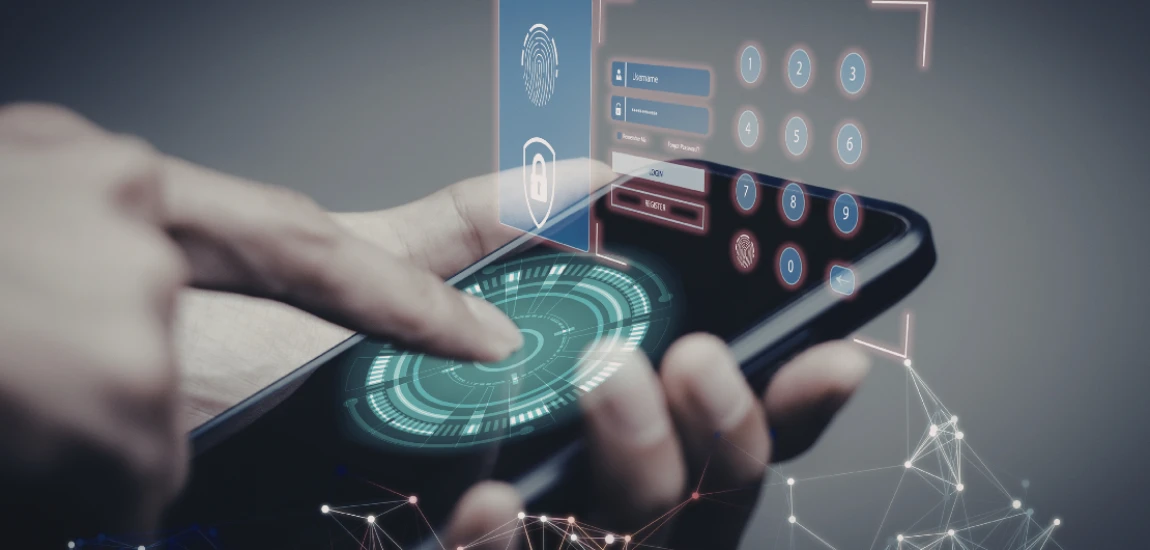
Digital tools were once designed to assist us. Today, many are engineered to interrupt, provoke, and demand immediate reaction. Red notification badges, flashing alerts, countdown timers, and urgency-driven prompts have become default interface features—not because they improve usability, but because they increase engagement metrics.
Non-urgent interfaces offer a different philosophy. Instead of extracting attention, they protect it. Instead of creating panic loops, they create space. This article explores why urgency-first design harms users, how calm interface design works, and what it means to build digital tools that respect human nervous systems.
The Hidden Cost of Urgency-Based Interface Design

Urgency-based interfaces rely on a simple psychological lever: fear of missing out. Red badges, vibrating notifications, and unread counts all signal that something is wrong or incomplete. These cues trigger the brain’s threat-detection system, pulling attention away from whatever the user was doing before.
Over time, this constant interruption reshapes how users think and feel. Attention becomes fragmented. Focus shortens. The nervous system remains in a low-level state of alert even during rest. What appears to be “engagement” is often chronic stress disguised as productivity.
How Red Badges Hijack Attention
Red is not an accidental choice. It is biologically associated with danger, urgency, and error. When users see red notification indicators, their brains interpret them as unresolved threats. This creates a compulsion to clear alerts, even when the content itself is trivial or non-essential.
Panic Loops and Infinite Checking
Urgency-based design trains users into loops: check → clear → wait → repeat. Each interaction provides momentary relief but reinforces the idea that the interface controls the user’s attention. This cycle mirrors anxiety patterns rather than healthy productivity behaviors.
Why Constant Urgency Reduces Actual Effectiveness
Ironically, urgency-driven interfaces often reduce real-world outcomes. Users become reactive instead of intentional. Decision quality drops. Burnout increases. Non-urgent tasks feel overwhelming simply because the interface presents everything as equally critical.
What Non-Urgent Interfaces Actually Mean

Non-urgent interfaces are not passive, lazy, or unresponsive. They are intentional systems that communicate importance without emotional pressure. They allow users to decide when to engage instead of forcing immediate reaction.
The core idea is simple: not everything needs to be seen right now. Good software respects timing, context, and human cognitive limits.
Designing for Choice Instead of Compulsion
Non-urgent design removes artificial deadlines and visual alarms. Information is accessible, but not demanding. The user initiates interaction rather than being summoned by the system.
Separating Awareness from Alarm
A calm interface still communicates updates, but without panic signaling. Neutral colors, subtle indicators, and optional summaries replace flashing alerts and intrusive pop-ups.
Supporting Different Energy Levels
Non-urgent tools acknowledge that users have fluctuating capacity. Someone checking an app late at night should not face the same intensity as someone working during peak hours. Calm design adapts instead of overwhelms.
Psychological Benefits of Calm Interface Design

The human brain evolved for environments with limited stimuli. Modern software violates this expectation by presenting constant novelty and urgency. Non-urgent interfaces restore cognitive balance by reducing unnecessary arousal.
Reduced Cognitive Load
When interfaces stop shouting for attention, users regain mental clarity. Fewer interruptions mean deeper focus, better memory retention, and improved task completion.
Nervous System Regulation
Urgent notifications activate the sympathetic nervous system. Calm interfaces support parasympathetic responses—rest, digestion, and long-term resilience. Over time, this reduces digital fatigue and anxiety.
Rebuilding Trust Between User and Tool
Users trust software that doesn’t manipulate them. Non-urgent design communicates respect. Instead of feeling controlled, users feel supported, which increases long-term loyalty and satisfaction.
Design Principles Behind Non-Urgent Interfaces

Non-urgent interfaces are built deliberately. They require rejecting default growth-hacking patterns and prioritizing human well-being over short-term metrics.
De-Emphasizing Visual Aggression
Color palettes matter. Calm tools rely on muted tones, limited contrast, and consistent visual hierarchy. Important information stands out without triggering alarm.
Optional Notifications by Default
Instead of pushing everything automatically, non-urgent systems ask what users actually want to be notified about. Silence becomes the default, not the exception.
Time-Independent Interaction Models
Non-urgent tools avoid countdowns, streak pressure, and expiring prompts. Progress is cumulative, not fragile. Users can return without penalty or loss.
Real-World Examples of Non-Urgent Digital Experiences

While rare, some products already demonstrate how non-urgent interfaces work in practice.
Asynchronous Communication Platforms
Tools that encourage delayed responses reduce pressure. They normalize thoughtful replies instead of immediate reactions, improving communication quality.
Calm Productivity Software
Task managers that avoid urgency signals help users prioritize intentionally. Tasks remain visible without demanding instant action.
Wellness-Centered Technology
Apps designed around reflection, journaling, or learning often succeed precisely because they don’t interrupt. Their value comes from presence, not pressure.


Anil Polat, behind the blog "FoxNomad," combines technology and travel. A computer security engineer by profession, he focuses on the tech aspects of travel.
Anil Polat

Prev Post

Next Post