
Cybersecurity Basics for the Digital Age: How to Protect Your Personal Data Online
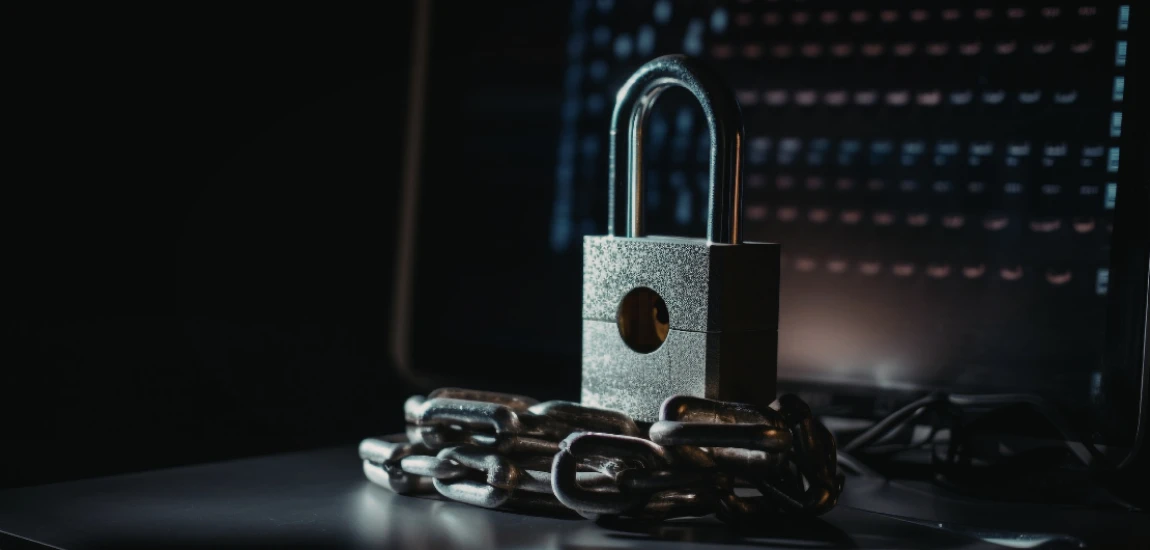
In today’s digital world, people rely heavily on the internet for communication, banking, shopping, education, and work. While technology has made life more convenient, it has also introduced new risks. Cybercriminals are constantly developing sophisticated methods to steal personal data, compromise accounts, and exploit online vulnerabilities.
Cybersecurity is no longer just a concern for large companies or government agencies. Every individual who uses the internet needs to understand the basics of online safety. Personal information such as passwords, financial details, and identity records can become targets for hackers if not properly protected.
Cybersecurity basics focus on simple yet powerful practices that reduce the risk of cyber threats. These practices include using strong passwords, securing devices, avoiding phishing attacks, and protecting sensitive information.
Understanding these strategies helps individuals maintain control over their digital identities and prevent unauthorized access to personal accounts. With cybercrime continuing to grow globally, learning how to protect personal data has become an essential skill for modern digital life.
This guide explores the fundamental cybersecurity principles that everyone should follow to stay safe online and protect their personal information.
Understanding Cybersecurity and Online Threats

Cybersecurity refers to the protection of digital systems, networks, and data from cyberattacks. In the digital age, individuals interact with online platforms daily, making them potential targets for various cyber threats.
Common Types of Cyber Threats
Cyber threats come in many forms, and understanding them is the first step toward effective protection. Some of the most common threats include phishing attacks, malware infections, identity theft, and ransomware.
Phishing occurs when attackers send deceptive emails or messages that trick users into revealing sensitive information such as passwords or banking details. Malware, on the other hand, is malicious software designed to damage systems or steal data.
Ransomware attacks lock users out of their devices or files until a payment is made to the attacker. These threats demonstrate how cybercriminals exploit digital vulnerabilities.
Why Personal Data Is Valuable to Cybercriminals
Personal data has become extremely valuable in the digital economy. Information such as email addresses, phone numbers, financial records, and identification documents can be sold on illegal online markets.
Cybercriminals use stolen data for activities such as financial fraud, identity theft, and unauthorized transactions.
Even seemingly harmless information can be used to gain access to more sensitive accounts. For example, knowing someone’s email address may allow attackers to attempt password reset attacks.
The Importance of Cyber Awareness
Cyber awareness involves understanding potential risks and developing habits that protect digital assets. Many cyberattacks succeed not because of advanced technology but because of human error.
For instance, clicking suspicious links, using weak passwords, or downloading unknown files can expose individuals to threats.
Educating oneself about cybersecurity practices significantly reduces the likelihood of falling victim to cybercrime.
Creating Strong Passwords and Account Security

Passwords are one of the most important defenses against unauthorized access to online accounts.
Importance of Strong Passwords
Weak passwords are one of the most common reasons accounts become compromised. Many users rely on simple passwords such as birthdays, names, or common phrases that are easy for hackers to guess.
A strong password typically includes a combination of uppercase letters, lowercase letters, numbers, and special characters. Longer passwords are generally more secure because they are harder to crack through automated attacks.
Using unique passwords for different accounts also prevents attackers from gaining access to multiple platforms if one password is compromised.
Using Password Managers
Managing multiple strong passwords can be difficult. Password managers provide a secure solution by storing and generating complex passwords automatically.
These tools encrypt stored passwords and allow users to access them through a single master password.
Password managers reduce the need to memorize numerous credentials while maintaining strong security practices.
Enabling Two-Factor Authentication
Two-factor authentication (2FA) adds an extra layer of security beyond passwords. When enabled, users must verify their identity using a second method such as a temporary code sent to their phone.
Even if a password is stolen, attackers cannot access the account without the additional verification step.
Many major online platforms now offer two-factor authentication as a standard security feature.
Protecting Devices from Malware and Cyber Attacks

Devices such as computers, smartphones, and tablets store large amounts of personal information. Protecting these devices is a critical part of cybersecurity.
Installing Security Software
Antivirus and anti-malware software help detect and remove harmful programs that may infect devices. These programs monitor files and applications for suspicious activity.
Regular updates ensure that security software can recognize the latest threats.
Installing trusted security tools provides an important defense against cyberattacks.
Keeping Software Updated
Software updates often include security patches that fix vulnerabilities. When users delay updates, attackers may exploit known weaknesses in outdated systems.
Operating systems, applications, and browsers should be updated regularly to maintain security.
Automatic updates can simplify this process and ensure devices remain protected.
Avoiding Suspicious Downloads
Downloading files from untrusted sources can introduce malware into devices. Cybercriminals often disguise malicious files as legitimate software or media.
Users should only download programs from official websites or verified app stores.
Careful downloading habits help prevent malware infections.
Recognizing and Avoiding Phishing Attacks

Phishing is one of the most common cybersecurity threats targeting individuals.
How Phishing Attacks Work
Phishing attacks typically involve fraudulent emails, messages, or websites that imitate legitimate organizations. These messages often create a sense of urgency, prompting users to click links or provide personal information.
For example, a phishing email might claim that a bank account has been compromised and request immediate verification of login credentials.
Once users enter their information, attackers gain access to their accounts.
Identifying Suspicious Messages
Recognizing phishing attempts requires attention to detail. Suspicious messages may contain unusual sender addresses, spelling errors, or generic greetings.
Links that redirect to unfamiliar websites should also raise concerns.
Carefully examining email content before clicking links or downloading attachments can prevent phishing attacks.
Reporting and Deleting Phishing Attempts
When users encounter suspected phishing messages, they should report them to the relevant organization or email provider.
Deleting these messages immediately reduces the risk of accidentally interacting with them later.
Maintaining awareness of phishing tactics is essential for protecting personal data.


Shivya Nath authors "The Shooting Star," a blog that covers responsible and off-the-beaten-path travel. She writes about sustainable tourism and community-based experiences.
Shivya Nath

Prev Post

Next Post