
The Hidden Role of Viewer Friction Analytics in Shaping Streaming Interface Design
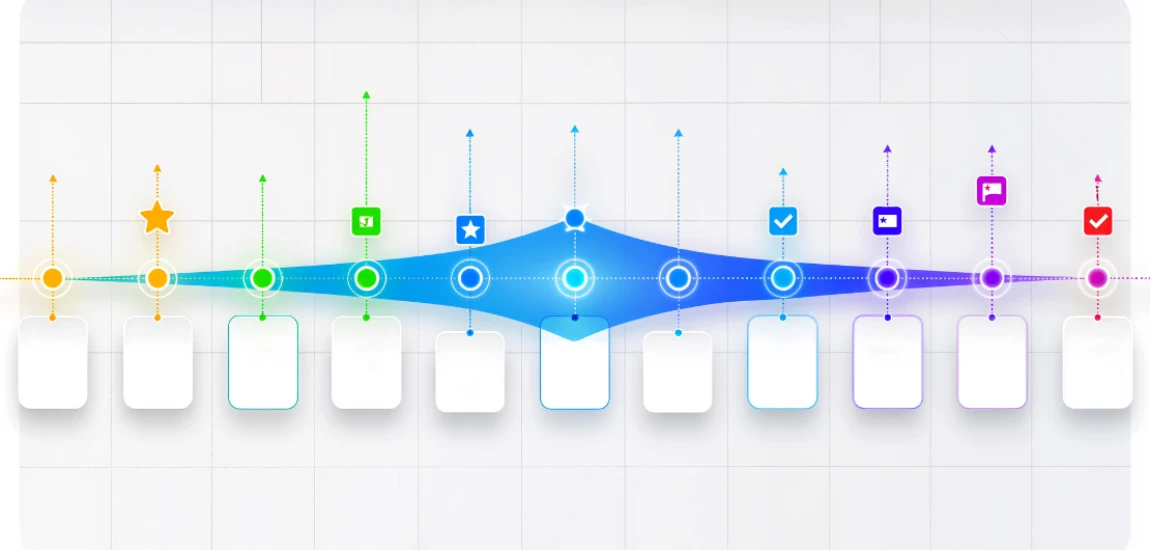
Every swipe, click, or pause in a streaming app generates data. Platforms track these interactions meticulously, not just to monitor engagement, but to understand where users experience friction. Viewer friction analytics examine every point of hesitation, confusion, or dropout in the user journey. This data informs interface design decisions that are largely invisible to the average user, yet profoundly affect how content is discovered, consumed, and retained.
Friction may occur anywhere: difficulty finding a show, unclear navigation menus, slow-loading content, or cumbersome playback controls. Even minor friction points can reduce retention hours or trigger churn. Streaming services deploy sophisticated analytics to identify these pain points, quantify their impact, and optimize interfaces accordingly.
By integrating viewer friction data into design decisions, platforms increase engagement, reduce abandonment, and enhance overall user satisfaction. This approach transforms interface design from a subjective creative process into a highly data-informed, predictive science.
Understanding Viewer Friction Analytics

What constitutes viewer friction
Viewer friction encompasses any obstacle that prevents a user from engaging seamlessly with content. It includes slow loading times, unclear navigation, too many clicks to reach desired content, and poorly organized recommendations.
Data collection methods
Platforms gather friction data via heatmaps, click tracking, session recordings, and drop-off analysis. Every interaction is logged, producing a detailed map of where users hesitate, pause, or exit.
Quantifying friction
Analytics assign metrics to friction points, such as drop-off rates, time-to-content, and repeated navigation errors. Quantification allows designers to prioritize improvements that will yield the greatest impact on engagement.
How Friction Analytics Inform Interface Layouts

Optimizing navigation paths
Data on user hesitations informs menu design, tab placement, and content hierarchy. By minimizing clicks and streamlining paths, platforms reduce friction and increase discovery rates.
Recommendation row positioning
Viewer friction analytics reveal which content rows are frequently skipped or overlooked. Platforms adjust row placement, thumbnails, and descriptions to highlight content that drives engagement.
Search interface improvements
Search is a critical friction point. Analytics track failed queries, backtracking, and time spent searching. Insights are used to improve predictive search, auto-complete features, and category filtering.
Reducing Friction in Content Discovery

Personalized interfaces
Analytics identify patterns in content discovery. By aligning interface elements with predicted user preferences, platforms reduce friction and help viewers find relevant shows faster.
Dynamic highlighting of trending content
Friction analysis shows whether users notice trending content or fail to engage. Algorithms optimize highlight banners and featured sections to guide attention toward high-value content.
Minimizing decision fatigue
Too many choices can overwhelm viewers, causing friction. Analytics help platforms curate fewer, more targeted options to simplify decision-making and increase immediate engagement.
Enhancing Playback and Interaction

Playback control usability
Viewer friction analytics track where users struggle with pause, rewind, or skip functions. Interface adjustments, such as more intuitive controls or gesture-based actions, improve usability.
Load speed and buffering
Friction occurs when content takes too long to start. Analytics reveal device-specific or network-specific issues, prompting design or backend optimizations to ensure seamless playback.
Interactive features
Features like episode previews, skip buttons, and recommendations after completion are informed by friction data. Properly implemented, they reduce interruption points and maintain continuous engagement.


Known as "Nomadic Matt," Matthew Kepnes offers practical travel advice with a focus on budget backpacking. His blog aims to help people travel cheaper and longer.
Matthew Kepnes

Prev Post

Next Post